

TitalcruiseOS 5.4.1
Version:
5.4.1 20260824
Architecture: x86_x64
Image:
TitalcruiseOS-5.4.1-20260824.iso
Size: 6,2 GB
-
Processor: 2 GHz dual-core or higher (Intel, AMD 64-bit).
-
RAM: 4 - 6 GB minimum (8 GB recommended).
-
Storage: 20 GB of free disk space (40 GB recommended).
-
Graphics card: Supports 3D acceleration (Intel HD/UHD/Iris, AMD Graphics).
-
Display: Recommended resolution of 1920x1080
-
Firmware: Compatible with UEFI and BIOS.
Warning
-
VirtualBox / VMware: We recommend installing TitalcruiseOS on physical hardware for the best experience. Under virtual machines, users may experience performance issues, instability, or errors unless 3D acceleration and sufficient resources are properly configured in the hypervisor.
-
Memory usage: The Live environment runs entirely in RAM and typically consumes around 2–2.5 GB. Once installed, idle memory usage typically ranges between 1.2–1.5 GB, depending on active services, background applications, and desktop extensions in use.
Install step by step
-
Download the ISO from any of the mirrors above.
-
Verify the SHA256 hash using your system's command. If it doesn't match, the download is corrupted or the mirror is compromised: don't use it.
-
Create the bootable USB drive. We recommend Ventoy because it lets you copy the ISO as a regular file and keep multiple copies on the same USB drive. dd, balenaEtcher, or Rufus also work.
sudo dd if=TitalcruiseOS-5.4.1-20260824.iso of=/dev/sdX bs=4M status=progress oflag=sync
Replace /dev/sdX with your USB drive—lsblk will tell you which one it is. Writing to the wrong disk will erase that disk.
-
Boot from the USB drive. On most computers, you can access the boot menu with F12, F11, F9, or Esc. If you have Secure Boot enabled, disable it.
-
Try it in Live mode. Before installing, check that the Wi-Fi, sound, brightness, and screen resolution are working.
-
Install from the installer icon on the desktop.
After installing
-
The TitalcruiseOS package repository is already configured in the ISO, so updates come with:
sudo apt update
sudo apt upgrade
-
Next, press S to confirm (or Enter), enter your password, and wait for the package updates to finish installing. This will give you the latest available updates for Debian and TitalcruiseOS.

TitalcruiseOS 5 Essential
OS Type: Linux
Based on: Debian (Stable)
Size: 914 MB
Architecture: x86_x64
Desktop: GNOME (48.7)
BUILD ID: 20260903
Origin: Argentina
Category: Desktop, Live Medium
Popularity (DistroWatch): -
Download options
OS Type: Linux
Based on: Debian
Origin: Argentina
Architecture: x86_64
Desktop: KDE Plasma, GNOME
Status: Active
Category: Beginners, Desktop, Live Medium
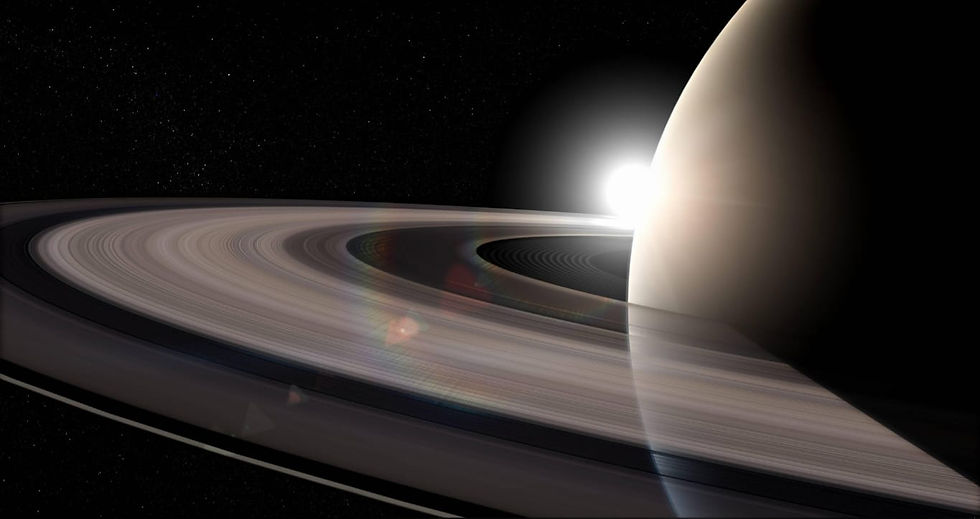
Codename: Saturn (2026-07-31)
ℹ️A collaboration between Titalcruise E.A and Franco Peruzzi, this project was born from TitalcruiseOS and Chimo Linux to become ChimocruiseOS.


Status:
In development.
ChimocruiseOS 1.0


